01
You want a small handheld
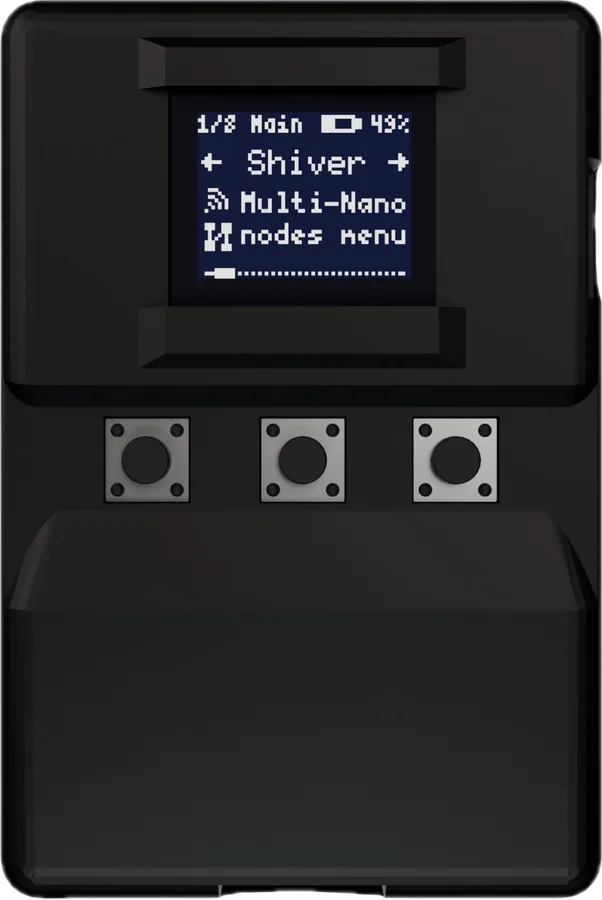
BLEShark NanoAn ESP32-C3 tool with its own OLED. Its Wi-Fi radio is 2.4 GHz; do not expect 5 GHz support.
Listed by makerBuy
Start with the screen you want to use: a handheld, your phone, or a Flipper you already own.
01
An ESP32-C3 tool with its own OLED. Its Wi-Fi radio is 2.4 GHz; do not expect 5 GHz support.
02
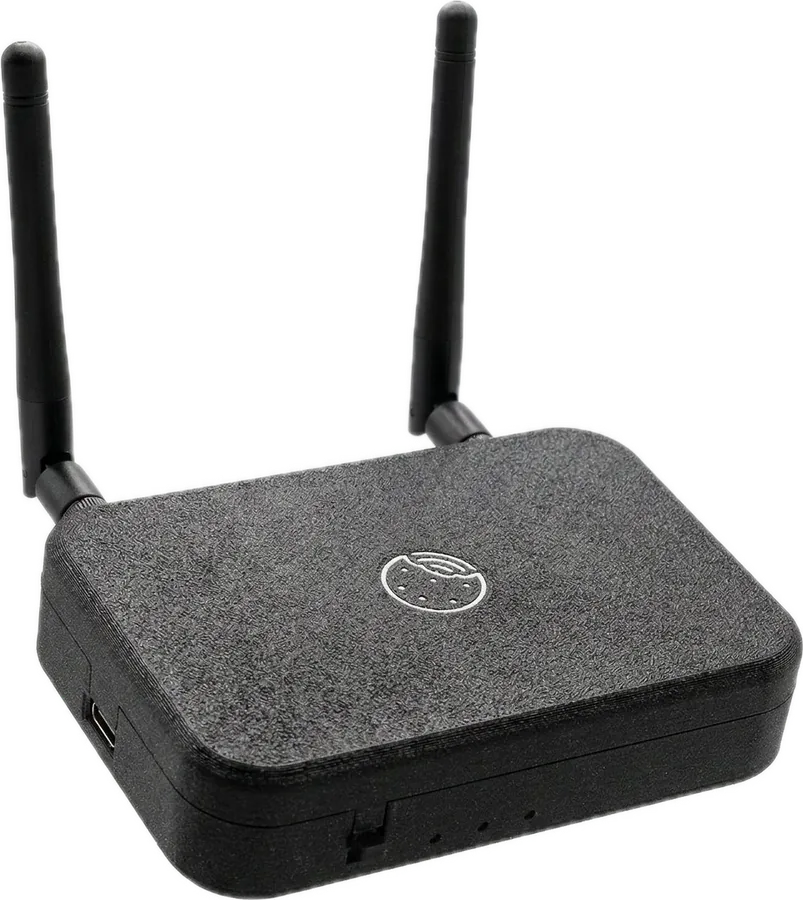
A screen-free survey device using your phone for its interface and GPS. The maker listing was sold out at review.
03
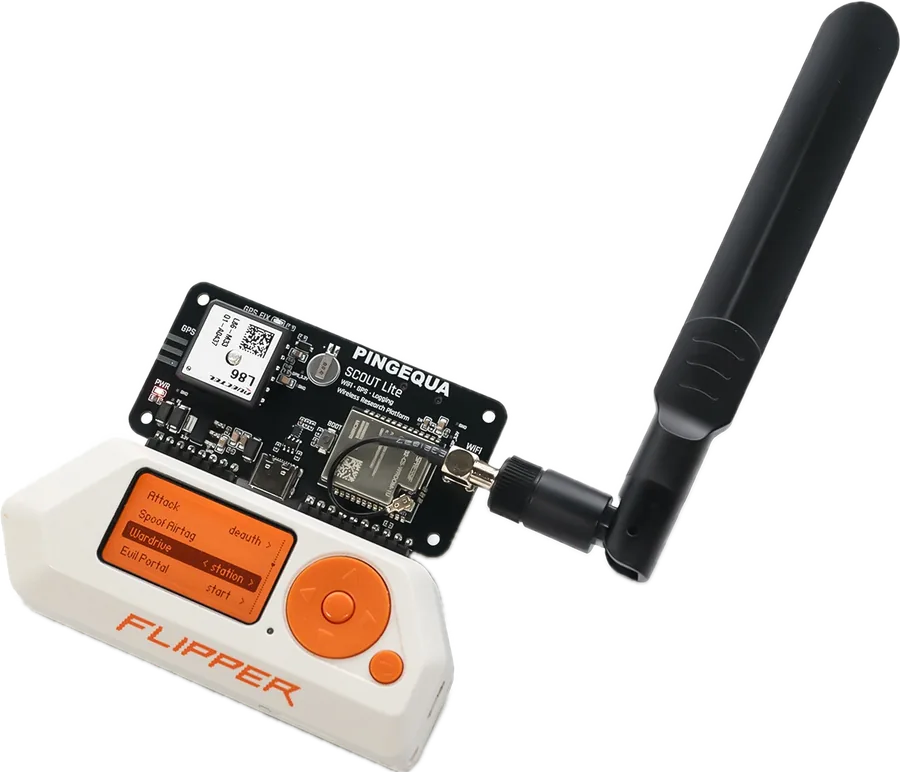
A C5 Wi-Fi module with GPS. The Flipper is a separate host, and compatible firmware is required.
This guide compares documented form factors and requirements. Radio coverage, app compatibility and battery runtime have not been measured here.
Progress saved in this browser.
0 of 3 steps complete
Use a network and devices you own. Decide whether you want to see nearby identifiers, examine signal strength or record a GPS-tagged survey.
BLEShark Nano maker resources ↗Use the instructions for the exact model. Record its firmware version and confirm that its survey mode produces the output you need.
Scout Lite maker resources ↗Keep the first route short. Open the saved output and confirm that its timestamps and location data make sense before relying on a longer capture.
Biscuit Ultra maker resources ↗