Choose a programmable hardware project
Pick the assembly work you want: solder a console, assemble a game kit, or modify a watch.
Three starting points
Compare these devices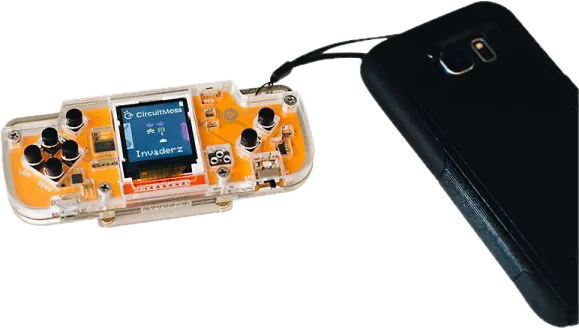
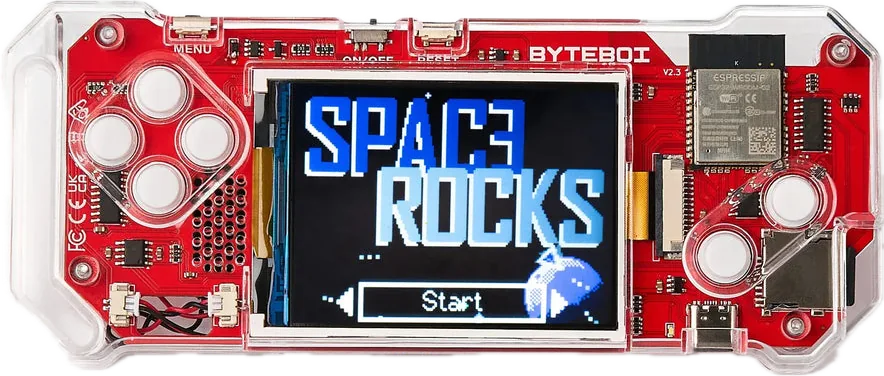
02
You want an assembly-and-coding project
ByteBoi 2.0A handheld console kit with CircuitBlocks support and an included LiPo battery. Use the 2.0 instructions.
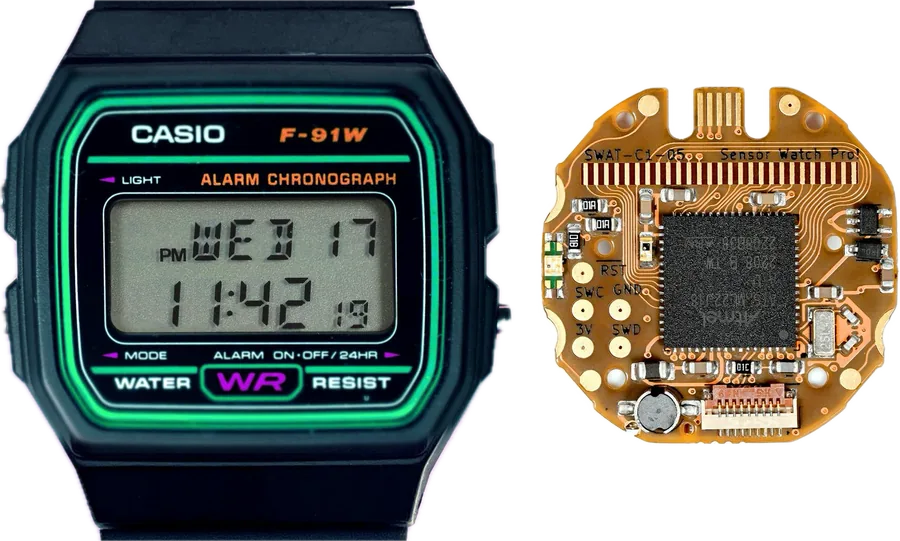
03
You already have a compatible watch
Sensor Watch ProA replacement circuit board, not a finished watch. The case, custom display and sensors need separate consideration.
Assembly requirements come from the linked maker material. Tool costs, total build time and learning outcomes have not been independently measured.
Setup checklist
Progress saved in this browser.
0 of 3 steps complete
Use the maker’s assembly guide to check the package. Keep batteries disconnected during assembly when the guide instructs you to do so.
Nibble maker resources ↗Build the device using its revision-specific instructions and run the supplied example before making changes.
ByteBoi 2.0 maker resources ↗Change a game message, display output or watch behavior. Keep a copy of the working example so you can return to it.
Sensor Watch Pro maker resources ↗