01
You want to explore several technologies
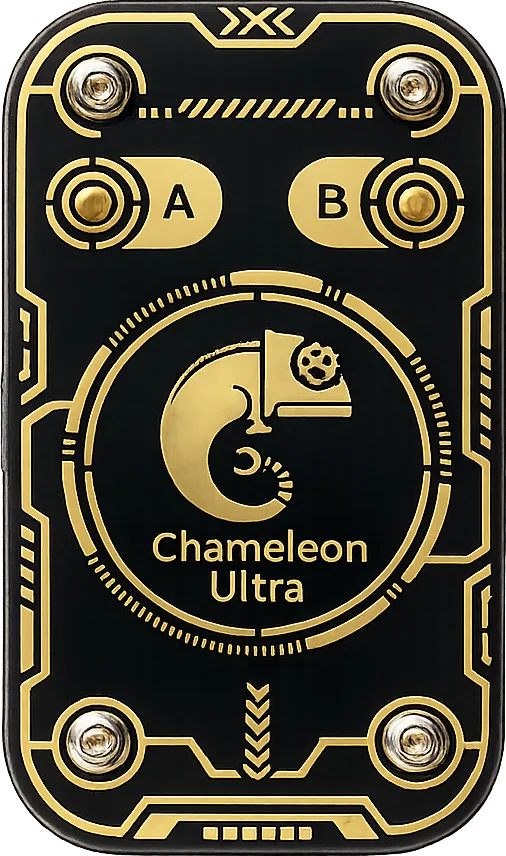
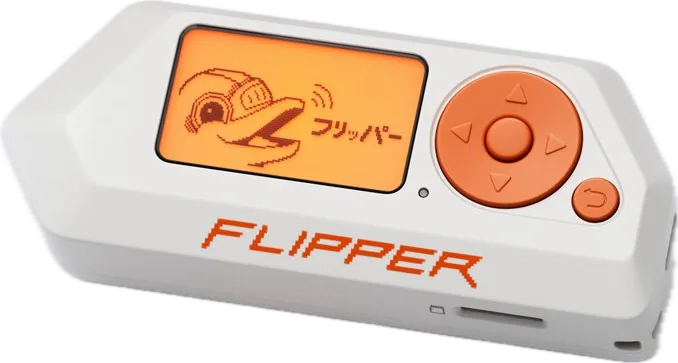
Flipper ZeroAn onboard screen and controls, with RFID, NFC and infrared. Wi-Fi is a separate hardware addition.
Listed by makerBuy
A general-purpose handheld, a small emulator, or a computer-connected research tool.
01
An onboard screen and controls, with RFID, NFC and infrared. Wi-Fi is a separate hardware addition.
02
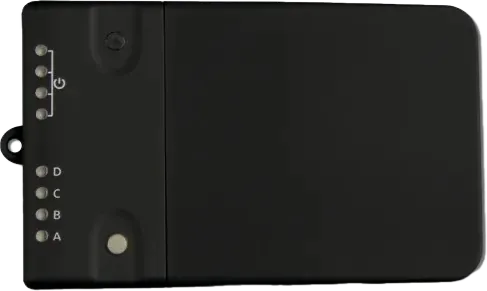
Dedicated RFID hardware configured through compatible client software. Supported tags and operations vary with firmware.
03
A focused LF/HF RFID platform. Count wireless and standalone-power modules as separate accessories.
These are documented capabilities, not claims of universal card compatibility. No access-system bypass is implied.
Progress saved in this browser.
0 of 3 steps complete
Start with a tag you own and can replace. Check the device documentation for that tag technology before changing anything.
Flipper Zero maker resources ↗Use the maker’s documented read workflow and record the detected tag type. Do not assume that reading a tag implies that it can be emulated.
Chameleon Ultra maker resources ↗Save the tag type, tool, firmware and observed result. That record makes future compatibility checks much easier.
Proxmark3 RDV4 maker resources ↗