01
You want an e-paper writing device
PocketMageA keyboard-focused ESP32-S3 project running FreeRTOS-based firmware. It is not a desktop Linux machine.
PreorderBuy
Choose the software and input method before falling for a tiny enclosure.
01
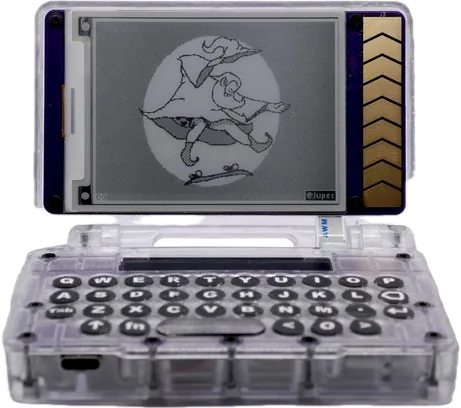
A keyboard-focused ESP32-S3 project running FreeRTOS-based firmware. It is not a desktop Linux machine.
02
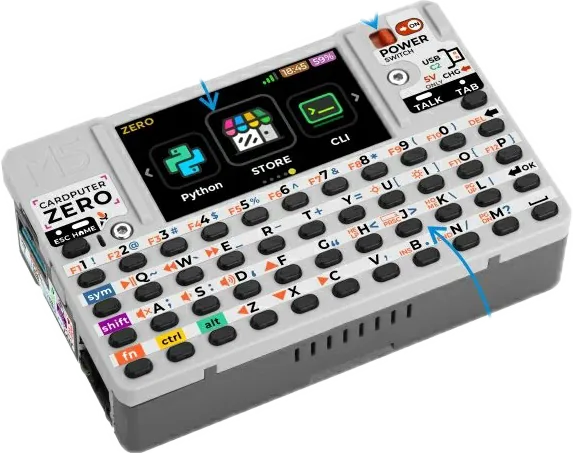
A Raspberry Pi CM0-based design with a 46-key keyboard. Software and documentation are work in progress.
03
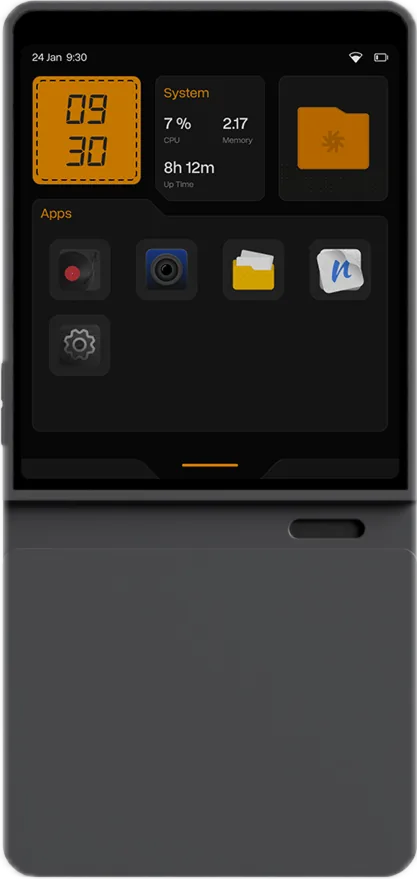
Compare the i.MX 8M Plus and i.MX 95 configurations carefully. Display and wireless details depend on the selected version.
These are project comparisons rather than current-stock recommendations. Delivery and final software support must be confirmed with the maker.
Progress saved in this browser.
0 of 3 steps complete
Choose one concrete goal: write a page, run a particular Linux application, or read a sensor. Check the software requirements against the maker documentation.
PocketMage maker resources ↗Check the processor, memory, display and included modules. Save the configuration name together with the maker’s current status.
Mecha Comet maker resources ↗When hardware is available, start with a small file: create it, save it, restart and recover it. Then check how you copy it to another computer.
CardputerZero maker resources ↗