Independent source guide
A pocket
Wi-Fi survey kit.
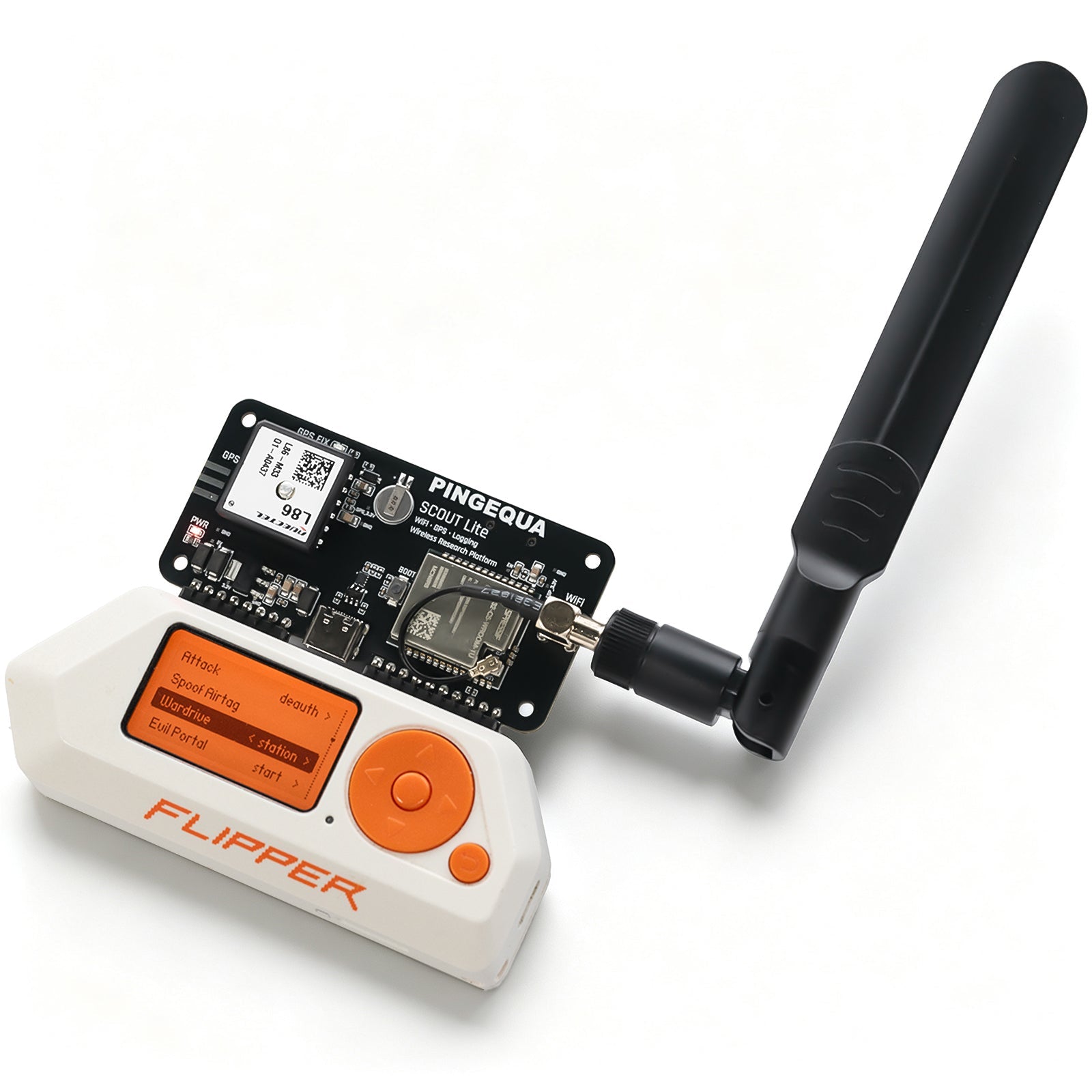
Scout Lite + SigRoam. Collect GPS-tagged Wi-Fi logs with your Flipper Zero.
Scout Lite & SigRoam by PINGEQUA
Use these partsOpen the parts list. Mark what you own. Make it yours.
See the maker’s overviewThe hardware
2 parts
Also on the bench
- 2 microSD cards
- Flipper: app. Scout Lite: FAT32 survey logs.
- USB-C data cable
- Transfer the app with qFlipper.
- Dual-band SMA antenna
- Included with Scout Lite.
What goes where
SigRoam 0.3
The survey dashboard. One .fap for Official or Momentum firmware; Unleashed is unsupported by this release.
ESP32 Marauder
Keep the factory image. The board does the scanning and writes CSV to its own microSD.
How logging worksBefore your first survey
- 1
Attach the antenna before power-on, then dock Scout Lite on the Flipper GPIO header.
- 2
Put
sigroam-0.3.fapinSD Card/apps/GPIO/on the Flipper. - 3
Set Settings → System → Log Device to Off. Open SigRoam’s Dashboard; OK starts and stops the survey.
Know this before you go.
GPS-tagged rows need a GPS fix. SigRoam is receive-only; 5 GHz is for scanning. The dedicated SigRoam scanner firmware for Scout Lite is still unreleased.
Current hardware & firmware limits